
A practical role in the group
Prepare a guide, retainer, recurring ally, long-term companion, specialist or rival ally. Choose how they help and how long you expect them to remain.
An ally with a life of their own
Give the party someone worth travelling with. Prepare an ally with useful capabilities, personal motives, bonds and clear reasons to stay, disagree or take another road.

A person beside the party
A companion can contribute skills and support while keeping motives, boundaries and a future that do not belong to the party.
Prepare a guide, retainer, recurring ally, long-term companion, specialist or rival ally. Choose how they help and how long you expect them to remain.
Connect capabilities to a motive, bond, loyalty starting point and personal goal. Use that material to give cooperation a reason beyond convenience.
Read trust triggers, conflict prompts and relationship states as guidance. Decide how shared risks and broken promises affect the bond through play.
Keep fears, flaws, departure and retirement guidance visible in your preparation. The companion can have boundaries while player decisions remain with the players.
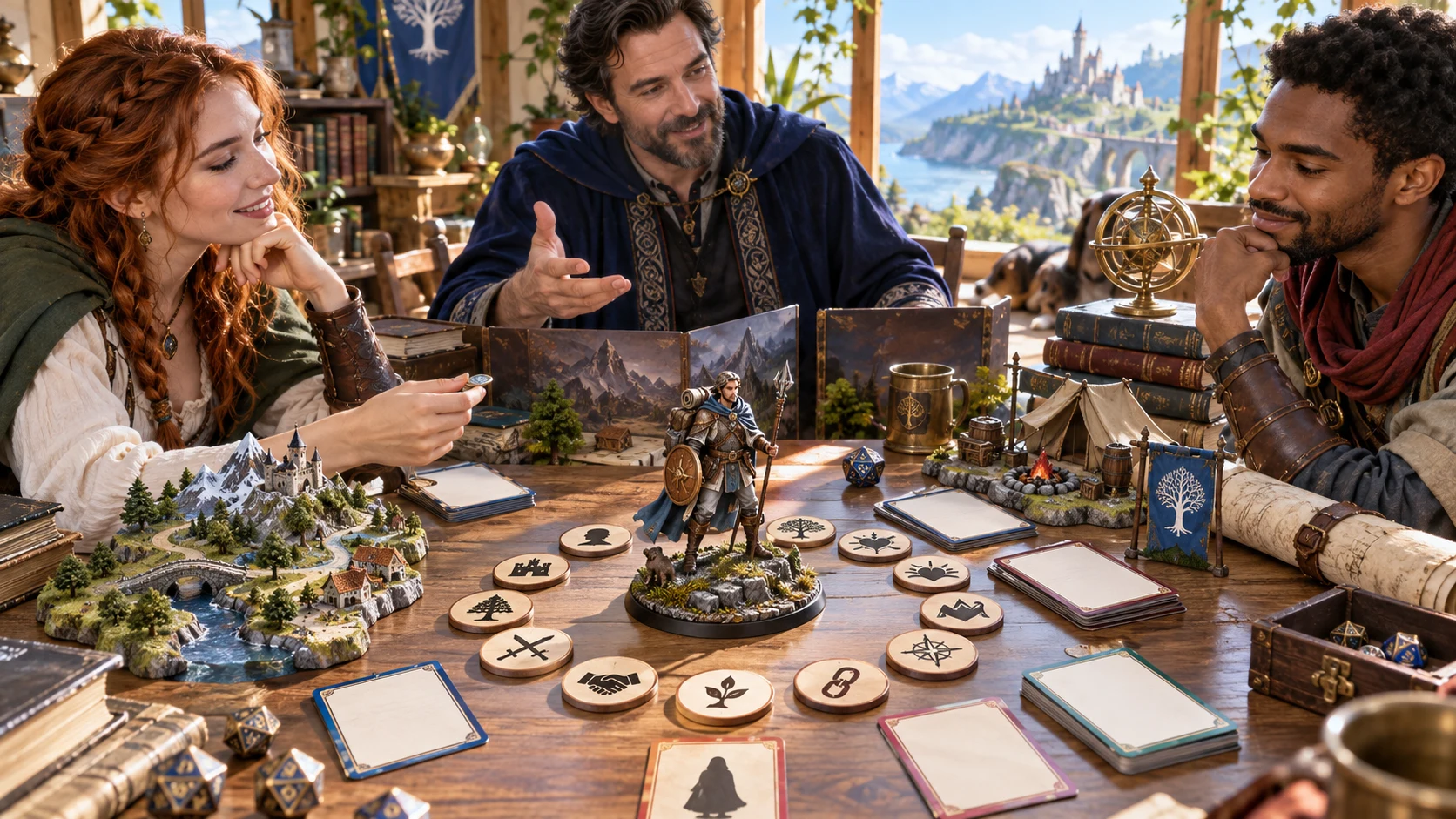
Build the person and the role
Choose the party fit, practical emphasis and relationship, then read the resulting motives and limits.
Use the dossier as preparation for a person with opinions and agency, rather than an extra set of obedient actions.
From role to relationship
Build one companion, review the connected sections and keep the version that belongs in your campaign.
Use Quick and Deep modes to set the party tier and desired companion role. Quick exposes the two core choices while retaining current settings for other controls.
In Deep, choose emphasis, ancestry, background, loyalty, tone, relationship, competence, risk tolerance, goal, secret and expected duration. Presets adjust selected choices; review the rest.
Review the companion’s identity, useful capabilities, motive, bond, personal quest, secret and departure guidance. Refine a selected layer or edit the structured record when needed.
Use Save companion to validate and keep the record in your account. Review the player card, export the current view and retain useful earlier versions.
What the tool provides
Keep the practical ally and the person together while using the controls that suit your preparation.
Start with party tier and desired role, or expose deeper choices for emphasis, ancestry, background, loyalty, personality, relationship, competence, risk, goal, secret and duration.
Prepare identity, appearance, personality, background, practical capabilities and equipment alongside motives, bonds, fears and flaws. Give the companion reasons to help and limits to respect.
Read loyalty starting points, trust triggers, relationship states, party conflict, personal goals, quest hooks, advancement and departure and retirement guidance. These are authored prompts for play.
Reroll relationship, personal quest and combat profile separately while retaining identity and unrelated sections. Lock a layer to prevent that selective reroll.
Edit the structured companion JSON and add your own relationship notes. Review connected sections and the player card after making changes, then validate and save.
Save companions through your Desktop Command Centre session. Search name, role, emphasis, loyalty or notes, duplicate a saved record and open up to ten prior versions.
Switch between the full dossier and a generated public card. Copy, download JSON or print the current view. Review edited player cards before sharing private campaign material.
Send one prepared ally profile for DM review in a saved encounter. Combat PRO ownership and saved encounter capacity apply. No live combat state or private relationship material transfers.
Ways to begin
Six starting presets offer different roles. They change selected controls and expose Deep choices for further review.
Begin with someone who knows the route or returns when a shared cause matters. Review expected duration, emphasis and the relationship before generating.
Prepare an ongoing ally or a retainer with practical strengths and clear boundaries. The role provides a starting point, not a promise of unquestioning service.
Choose support from a specialist, or cooperation shaped by rivalry and respect. Review tone, competence and personal motives alongside the shared task.
Use martial, magical, support, exploration or social emphasis. Combat competence and party tier shape bounded profile guidance; the tool does not provide a full class build or certify rules balance.
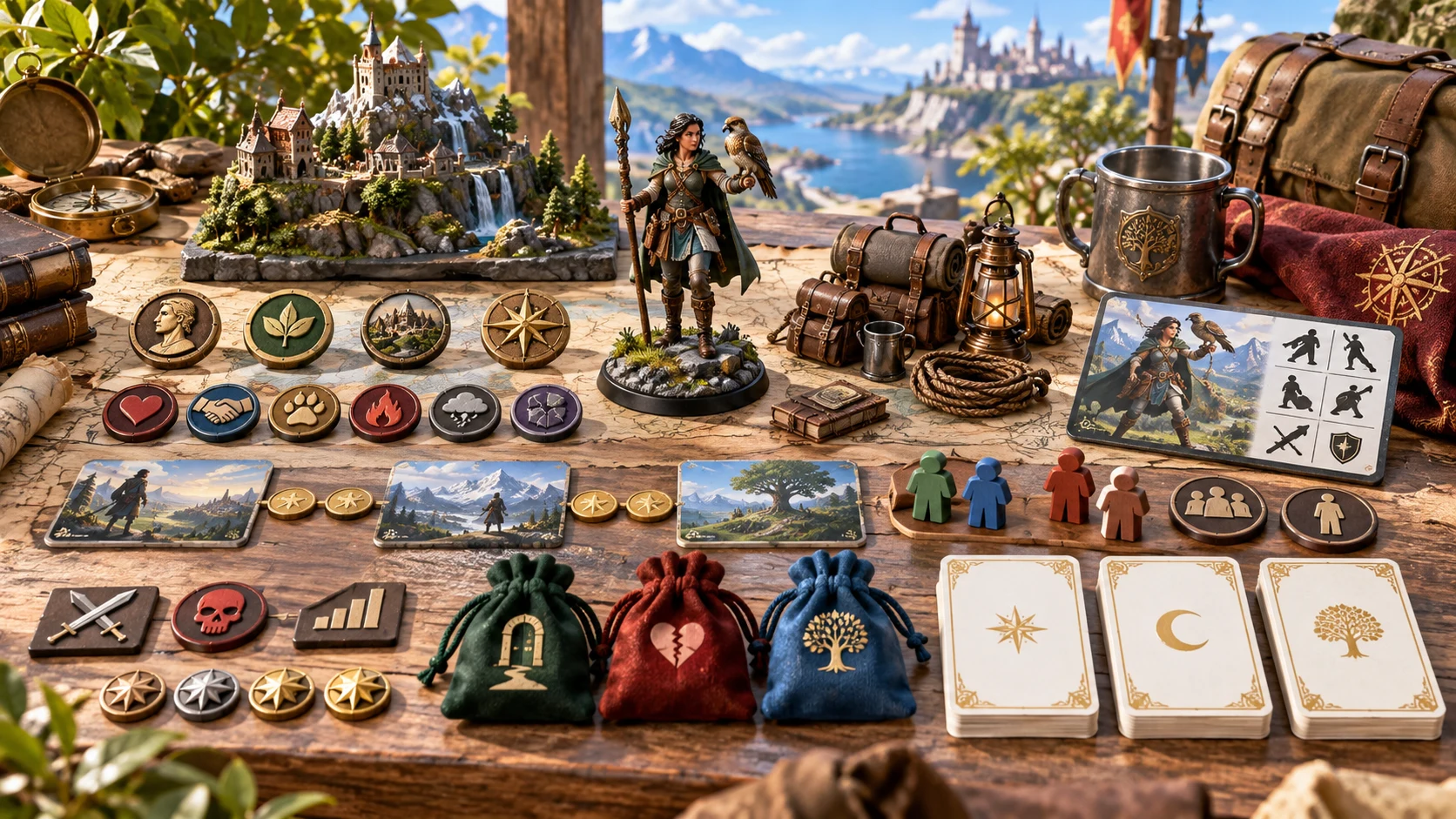
A dossier and a public introduction
Read practical capabilities, bonds and personal goals alongside private motives and departure guidance.
Review the generated player card separately before sharing. The artwork illustrates companion preparation, not an application screen.
Revisit the useful layer
Select a variant deliberately and review how the retained sections fit the change.
A relationship variant replaces bond, loyalty, trust guidance, states and party conflict. A quest variant replaces goal and quest. A combat-profile variant replaces capabilities, profile, support and equipment.
Lock a layer to refuse its selective reroll while exploring another layer. Identity and unrelated sections remain. A full generation creates a new dossier and does not preserve those locks.
A quest variant does not rewrite every motive or background reference. JSON edits do not automatically refresh the public card. Read related sections and review edited player cards before sharing.
Use relationship states and trust triggers to support conversation, choice and consequence. This is not a hidden loyalty score, an automatic betrayal roll or a simulation of how the ally must behave.
Save, share and prepare
The account library preserves authored companions. The optional combat transfer preserves a bounded prepared profile.
Use Save companion through the active Desktop Command Centre session. Saving again keeps up to ten prior versions. Search or duplicate saved records. Opening restores the dossier and locks, but does not restore all setup controls. Save deliberately; there is no autosave or offline-save guarantee.
Copy, download JSON or print the current view. Full DM material includes private details; the generated player card omits private sections. Review edited player cards. There is no JSON import control, and a single export is not a backup of the whole library and its history.
Send one prepared ally profile for DM review in an available saved encounter slot. Separate Combat PRO ownership and saved encounter capacity apply. Identity and capability guidance transfer; relationship, loyalty, quest, secret and departure material stay in the generator.
The handoff transfers no live combat state and does not activate a combatant or synchronise later edits. Re-sending the same companion finds the existing import instead of updating it. Review and apply the prepared guidance yourself; this is not an automatic combat connection.
Choose access for your toolkit
Companion Generator is a paid standalone tool. Create a free account first, then review your selection and subscription.
Select Companion Generator individually. Creating a free account does not by itself include paid generator access.
Choose a five-generator pack for other eligible standalone tools alongside this one. It provides selection capacity, not automatic access to every VISINVOKE product.
Review larger selected-generator packs in your account. Check the actual generators, subscription and reselection terms before choosing your toolkit.
Combat PRO, Battlemaps and image systems have their own access models. Standalone generator subscriptions do not include image or animation credits.

Keep motives and bonds beside useful capabilities so an ally’s contribution has meaning beyond another action in combat.
Explore one authored layer while retaining identity and unrelated material. Review the whole person before accepting the variant.
Start Here and How Do I guidance cover Quick and Deep design, relationship variants, player cards, account saves and prior versions.
Use the ally’s opinions and boundaries to create decisions for the group. The tool prepares material; your table decides how the relationship develops.
Build your tabletop toolkit
Each card opens that product’s own website. Review purpose and access separately; related products do not promise included access or automatic synchronisation.

Discover and open your supported Windows products through one connected VISINVOKE account.

Explore environment packs for tactical locations and the places your encounters unfold.
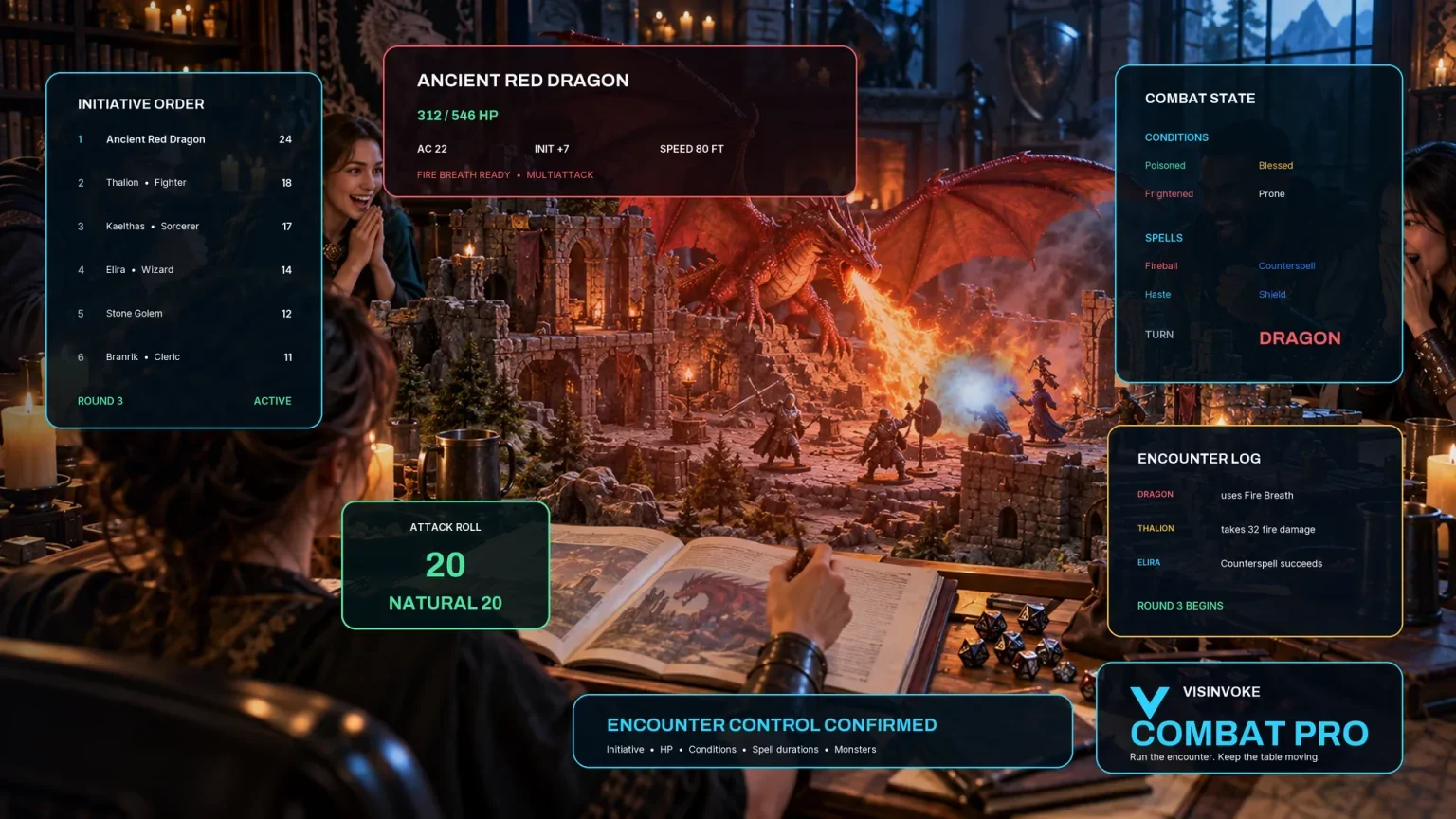
Review prepared opposition, tune creature statistics and run tabletop encounters with its own access.
Create focused character, monster, item and location images to complement your tabletop preparation.

Create guided commercial visuals for websites, brochures and wider creative projects.

Explore a separate futuristic RPG experience with its own world, characters and progression.
Product artwork illustrates companion preparation, not application screens or actual generated image output.
Quick answers
Understand the dossier, selected variants, sharing and prepared-profile transfer before opening the tool.
Companion Generator prepares adventuring allies, guides, retainers, specialists and rival allies. It provides bounded capability guidance and authored relationship material. It does not build full player-character classes, sheets, spell lists or inventories. Pet & Animal Companion Generator is a separate product.
Quick shows party tier and role. Deep exposes additional character, relationship and capability choices. Hidden choices retain their current settings when switching to Quick. Presets change selected controls and choose Deep mode; review the other controls before generating. Matching results require the seed, controls and generation sequence, including the variant layer.
Locks prevent selective rerolls of relationship, personal quest or combat profile. A full generation creates a new dossier and does not preserve locked layers. Selective variants retain identity and unrelated sections. Review connected material afterward: a quest change does not rewrite every motive or background reference.
Use Save companion to validate and store the record and relationship notes through your active Desktop Command Centre session. Saving again retains up to ten prior result versions. Reopening restores the dossier and locks, but does not restore all setup controls. Notes belong to the saved record rather than each prior version. There is no autosave or offline-save guarantee; library size limits apply.
Copy, download structured JSON or print the current view. The generated player card omits secrets, betrayal conditions and private DM notes. Edits do not automatically rebuild that card, so review edited player cards before sharing. Full DM exports contain private material. There is no JSON import control, and a single export does not include the whole library or version history.
One prepared ally profile is stored in an available saved encounter slot for DM review. Combat PRO ownership and saved encounter capacity are required. The transfer includes capability guidance, not personality, loyalty, quest, secret, departure logic or live combat state. Re-sending the same companion identifies the existing import rather than updating it. It is not an automatic combat connection.
Continue in VISINVOKE
Create a free VISINVOKE account and choose the required generator access.
Get Desktop Command Centre from your account installer page. Sign in on Windows, then open Companion Generator.